
Discovery & Research
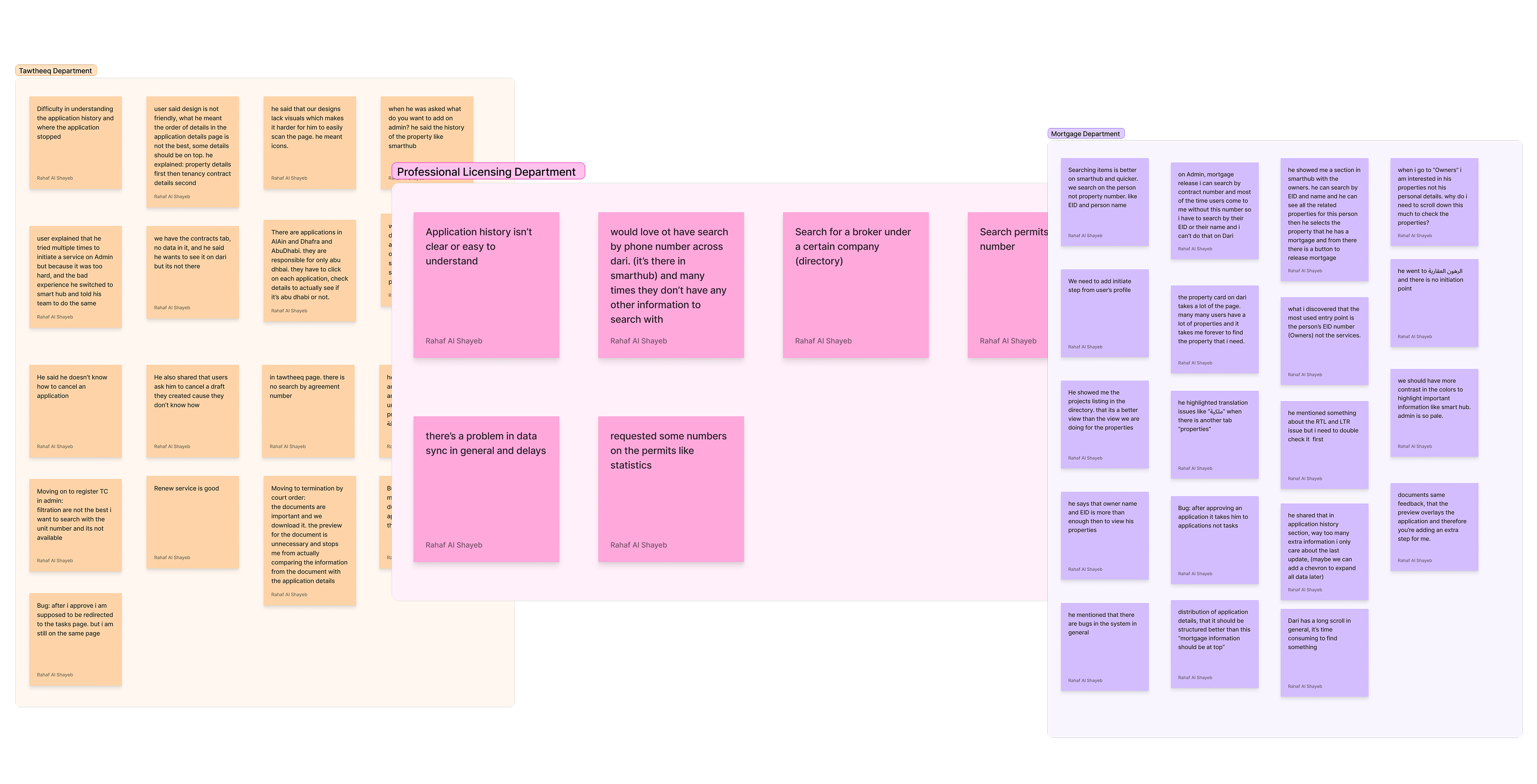
To fully understand the friction points within the legacy system, we initiated a deep-dive research phase focused on real user behavior and system constraints.
Contextual Inquiry
Conducted direct observation sessions to understand how admins navigate their daily tasks and workarounds.
Support Data & AI Analysis
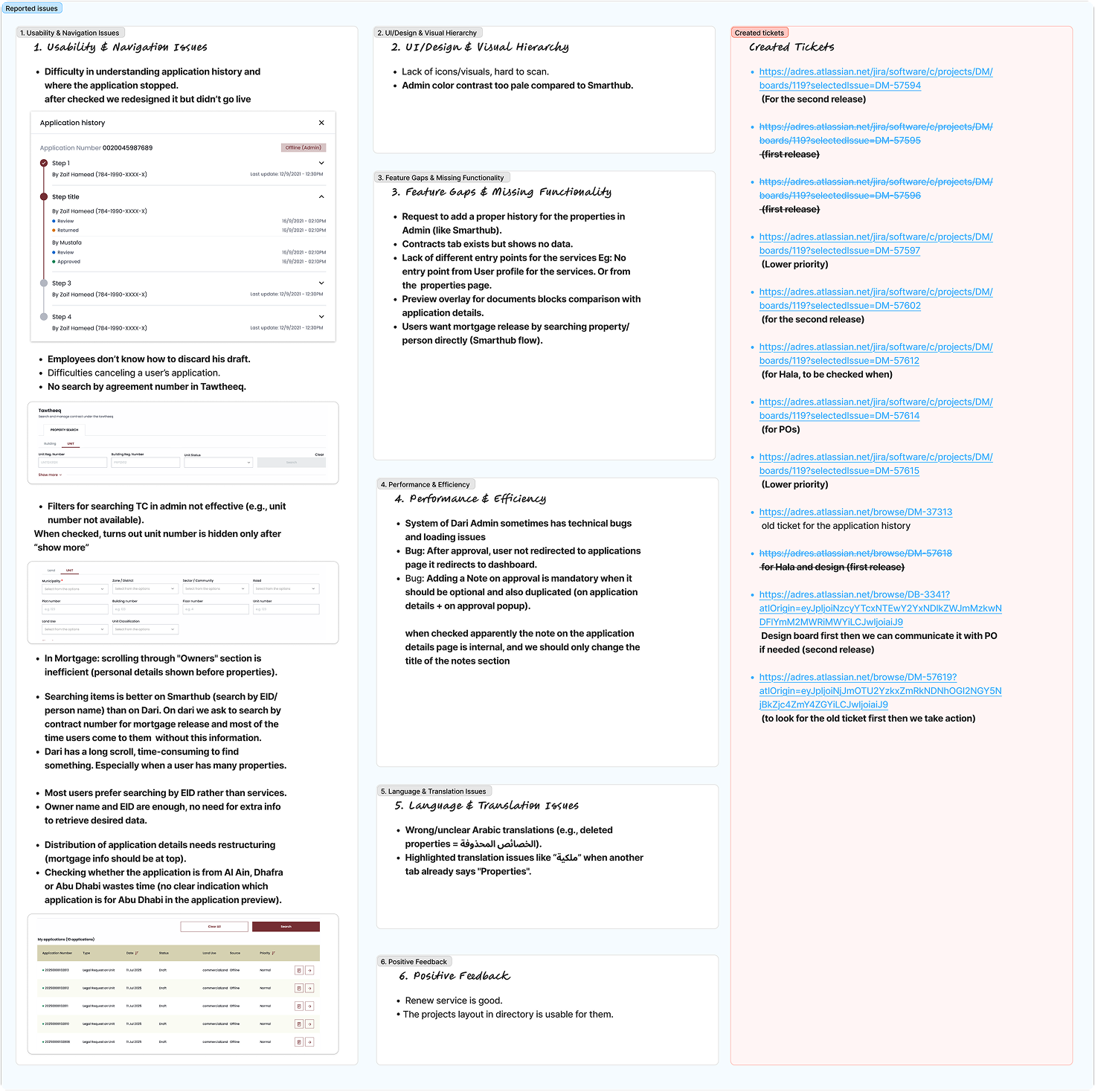
Analyzed support tickets and user session recordings, utilizing AI tools to identify recurring pain points and roadblocks.
Benchmarking Analysis
Evaluated industry standards to baseline our metrics and identify opportunities for a more intuitive admin experience.
Information Architecture & Alignment
The core challenge was organizing a dense, complex system into a logical flow. We needed to restructure the data without overwhelming the user.
Feature Prioritization & Card Sorting
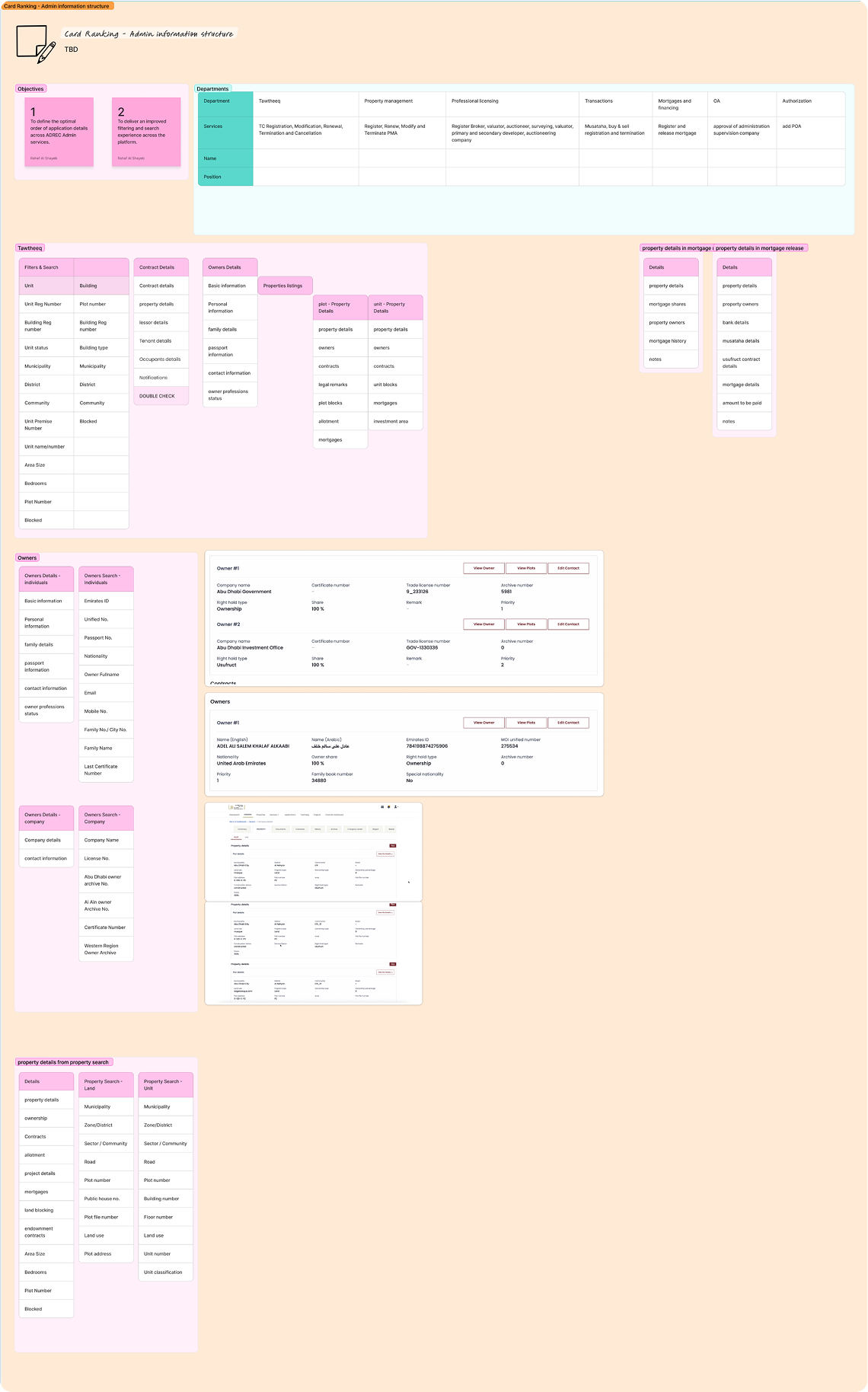
Ran collaborative exercises with stakeholders and users to define the mental model and rank critical features.
Identifying Critical Gaps
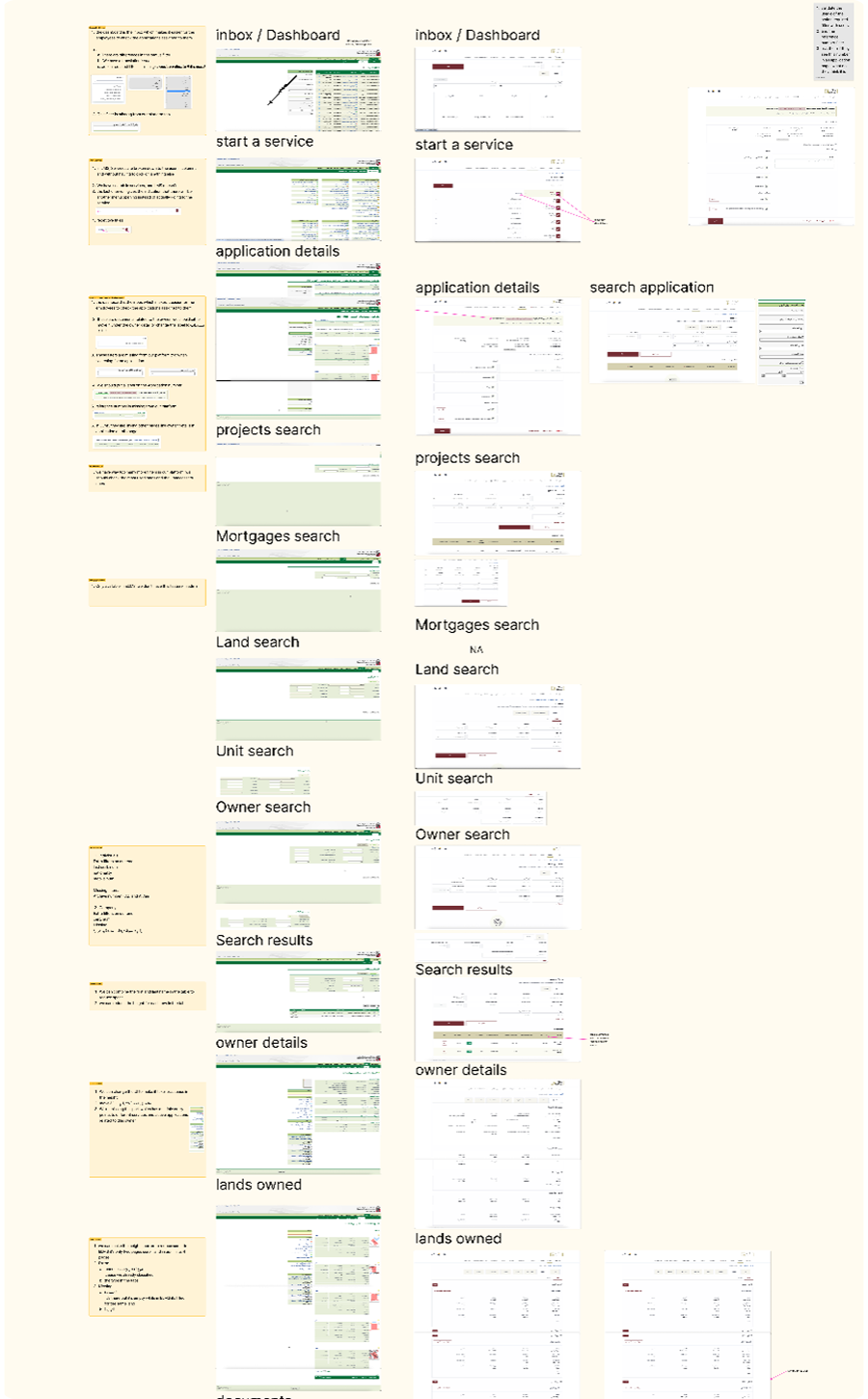
Mapped existing user flows against our research findings to pinpoint missing functionalities and broken navigation paths.
Defining the New IA
Streamlined the information density, creating a modular structure that bridges the gap between user expectations and system capabilities.
Ideation & Wireframing
With a solid architectural foundation, we transitioned into structural design, focusing on usability and functional clarity before visual polish.
Collaborative Feedback Workshops
Engaged core users early in the sketching phase to validate our initial concepts and ensure the layouts made sense in real-world scenarios.
Functional Wireframes
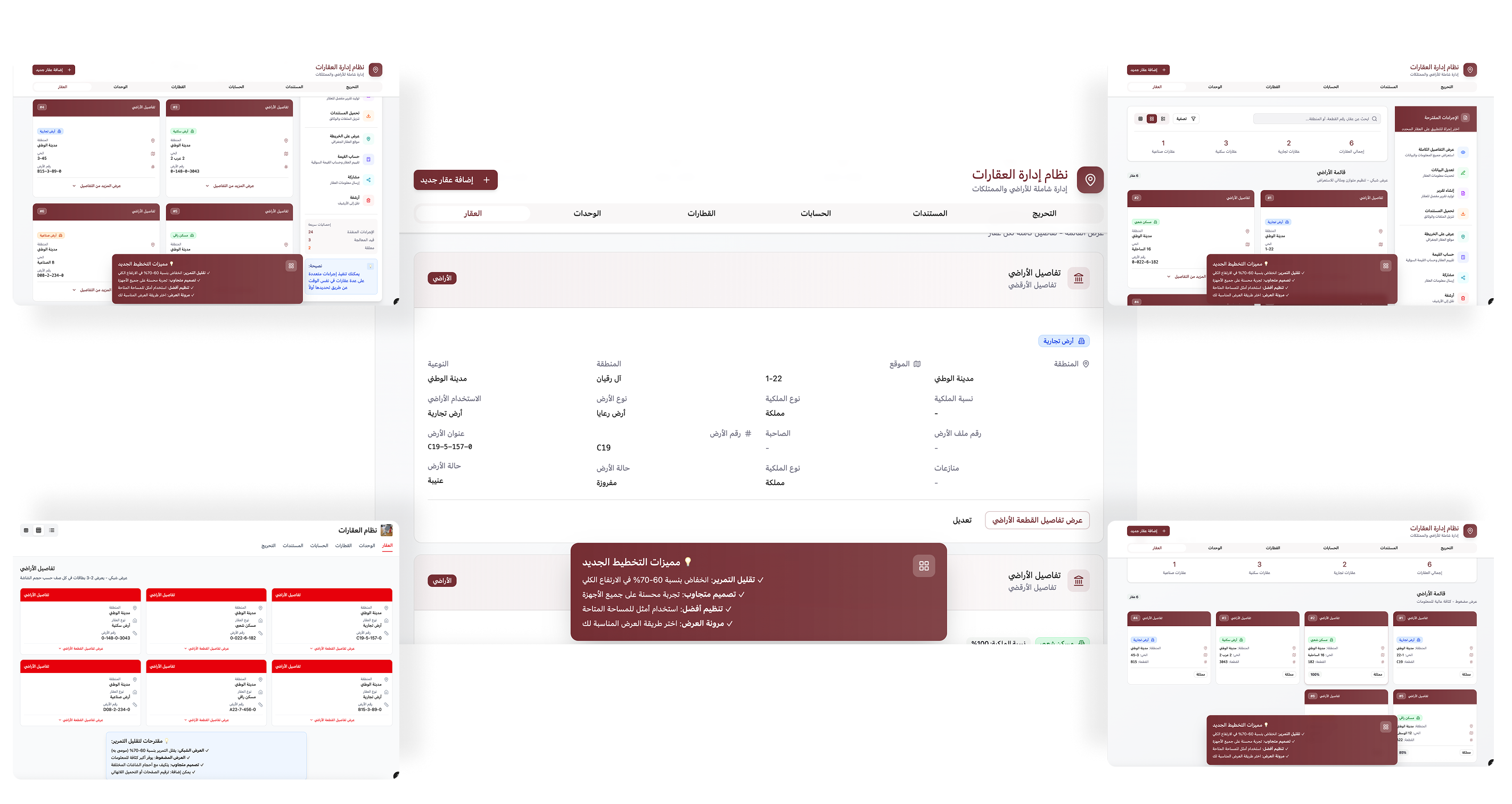
Developed mid-fidelity prototypes to map out the new layout, emphasizing data accessibility and task efficiency.
AI-Enhanced Workflows
Explored AI integrations to automate repetitive admin tasks and provide smart suggestions, reducing manual input effort.
Interface Design & Integration
The visual phase was about bringing the wireframes to life while ensuring absolute consistency across the platform, leaning heavily on modern UI best practices.
High-Fidelity UI Design
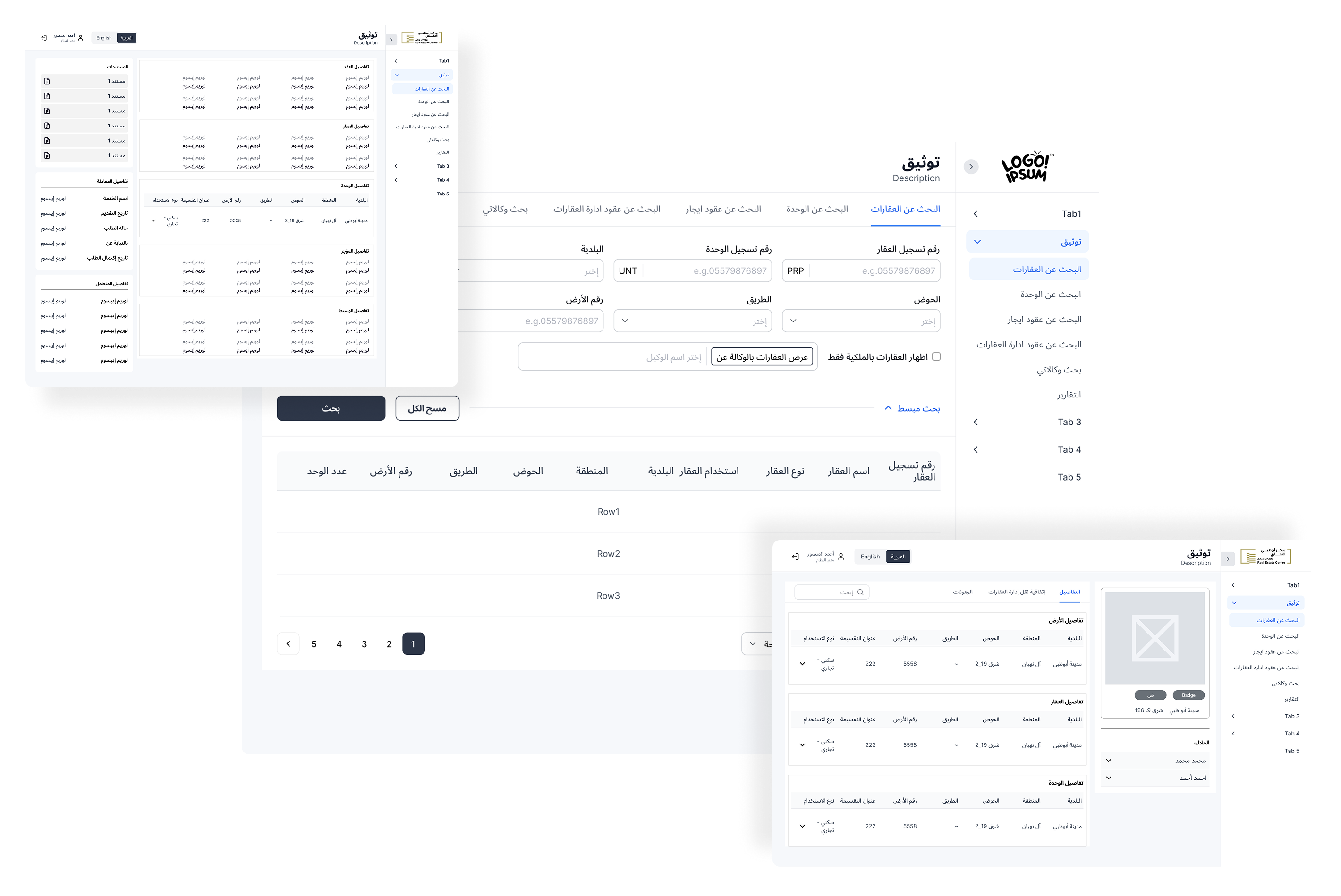
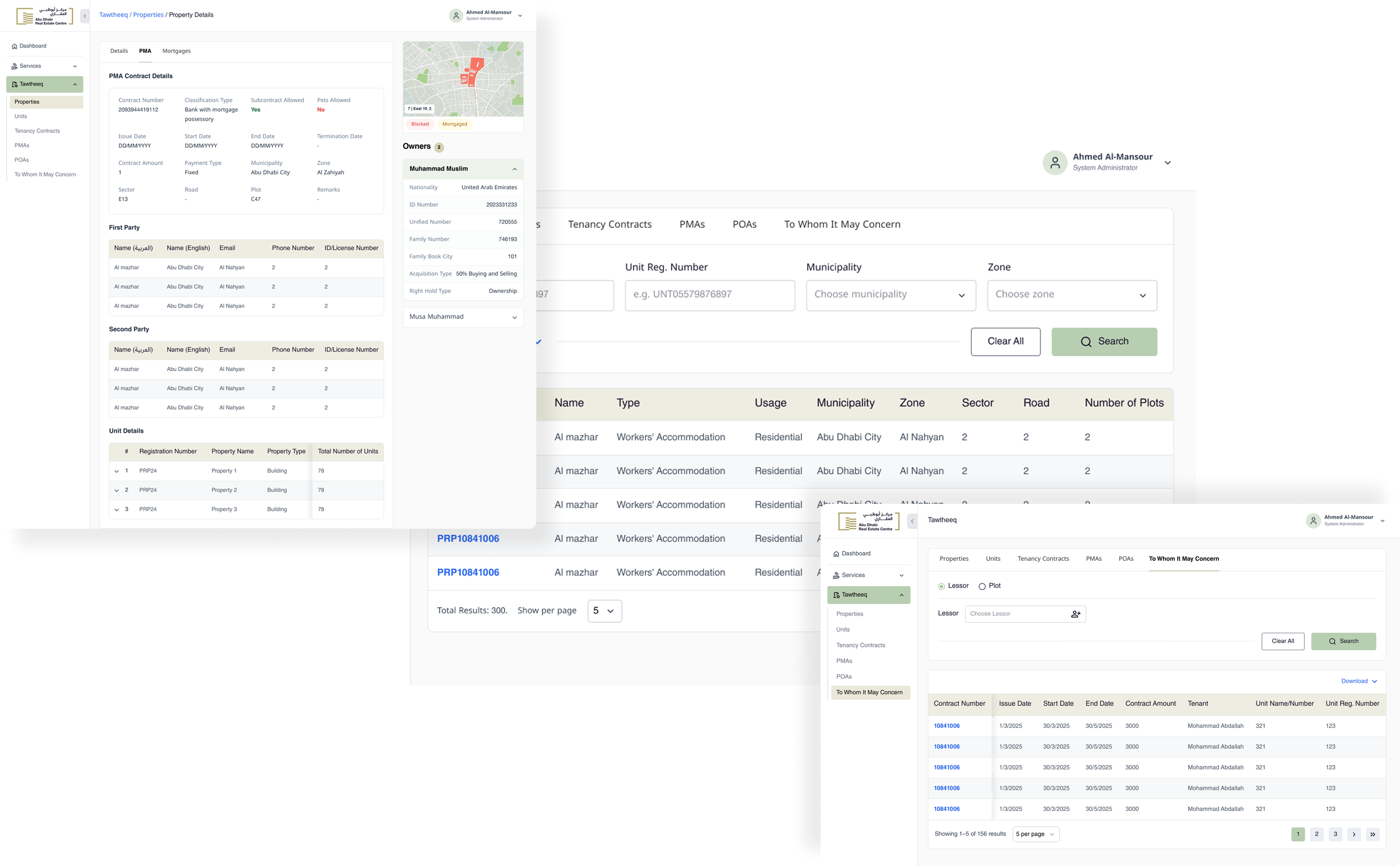
Designed a clean, modern interface focused on clear visual hierarchy, allowing users to scan and locate critical data instantly without cognitive strain.
Design System Integration
Built and applied a comprehensive component library. This ensured visual consistency, sped up development handoff, and made future scaling highly efficient.
Validation & Outcomes
To ensure the revamp met our success criteria, we tested the new design rigorously against the legacy system's baseline.
Prototype Testing Sessions
Conducted task-based usability testing with actual admin users to validate navigation and workflow improvements.
Critical Data & Feature Recall
Measured a significant improvement in how quickly users could locate key metrics and essential administrative tools.
Search & Filtering
Overhauled the search architecture, resulting in faster, more accurate data retrieval for complex real estate queries.
Overall User Sentiment
Post-testing feedback showed a drastic shift in satisfaction, highlighting the platform's new ease of use and reduced friction.